A bad content shoot is almost never the result of weak equipment. Usually the problem is different: nobody articulated what needed to come out of it before the shooting day arrived. The photographer shoots “beautifully,” the client receives a gallery, and a week later it turns out there’s nowhere to put it — not a single banner, not a single product card.
Below is a preparation sequence that prevents most of these stories.
Step 1. Decide where the photos will live
Before anything else, list your platforms: website, marketplace cards, social media, advertising, presentations, print. Next to each, note the format:
| Platform | Format | What matters |
|---|---|---|
| Website hero | horizontal | space for the headline |
| Product card | square, background | product legibility |
| Stories, Reels | vertical | clear centre of the frame |
| Presentation | horizontal | uncluttered background |
| horizontal | bleed margin |
This list is the foundation of your brief. Without it, a shot list turns into wishful thinking.
Step 2. Build a shot list
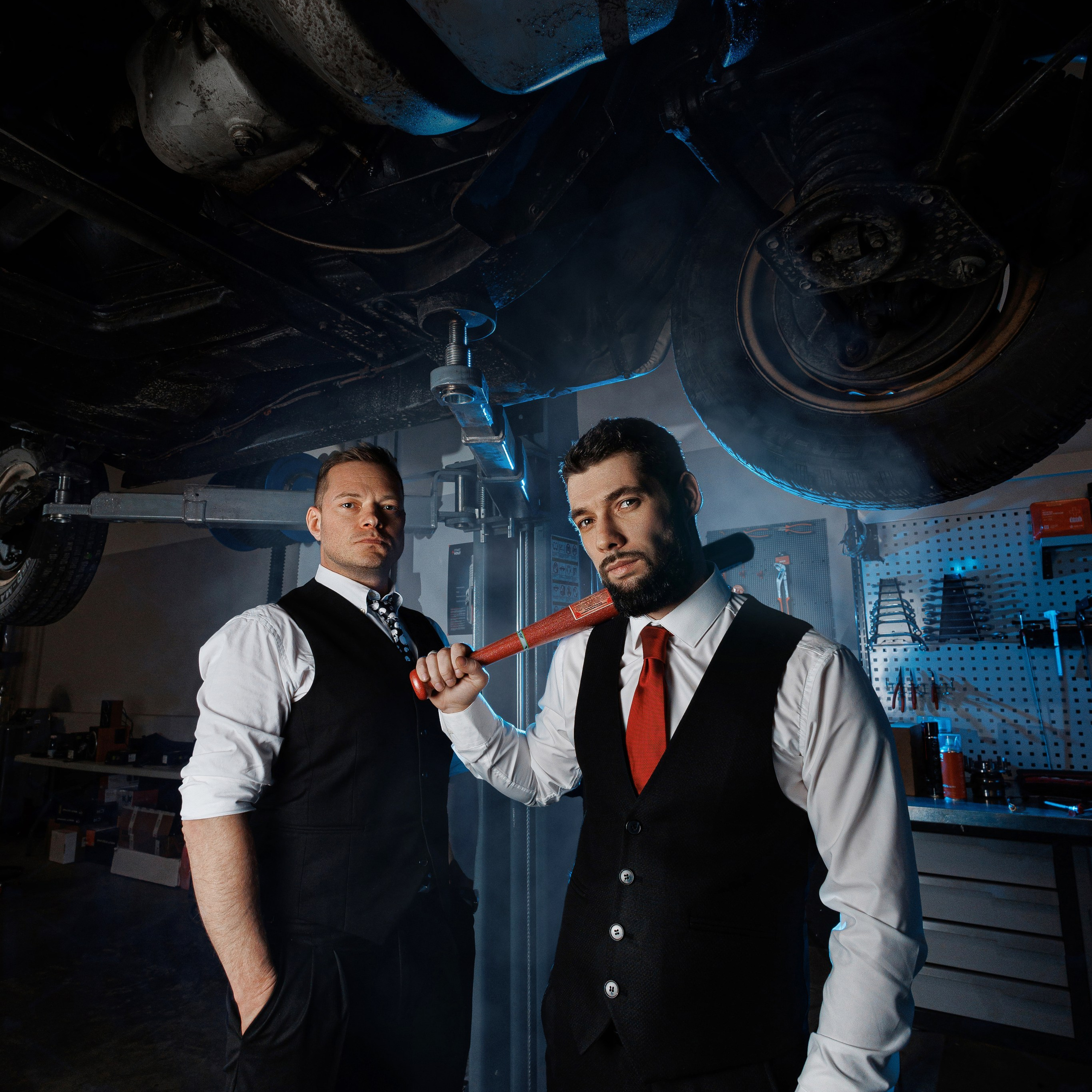
A shot list is a set of frames described as scenes, not a list of nouns. Not “the team,” but “two employees discussing a document by the window, medium shot, logo visible on the wall.”
A good shot list for a content shoot usually covers five groups:
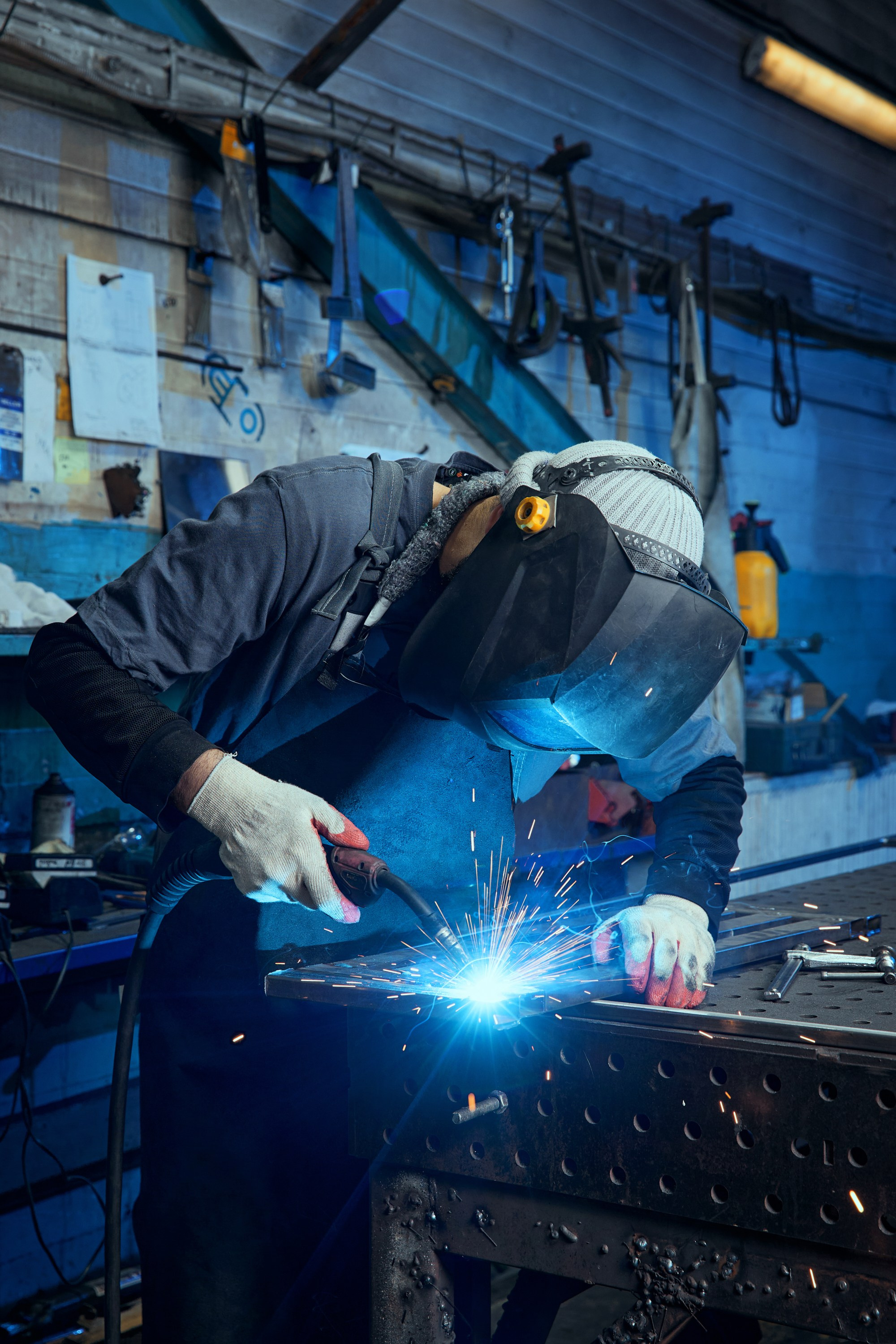
- People at work. Working, talking, discussing — whatever shows how the company actually operates.
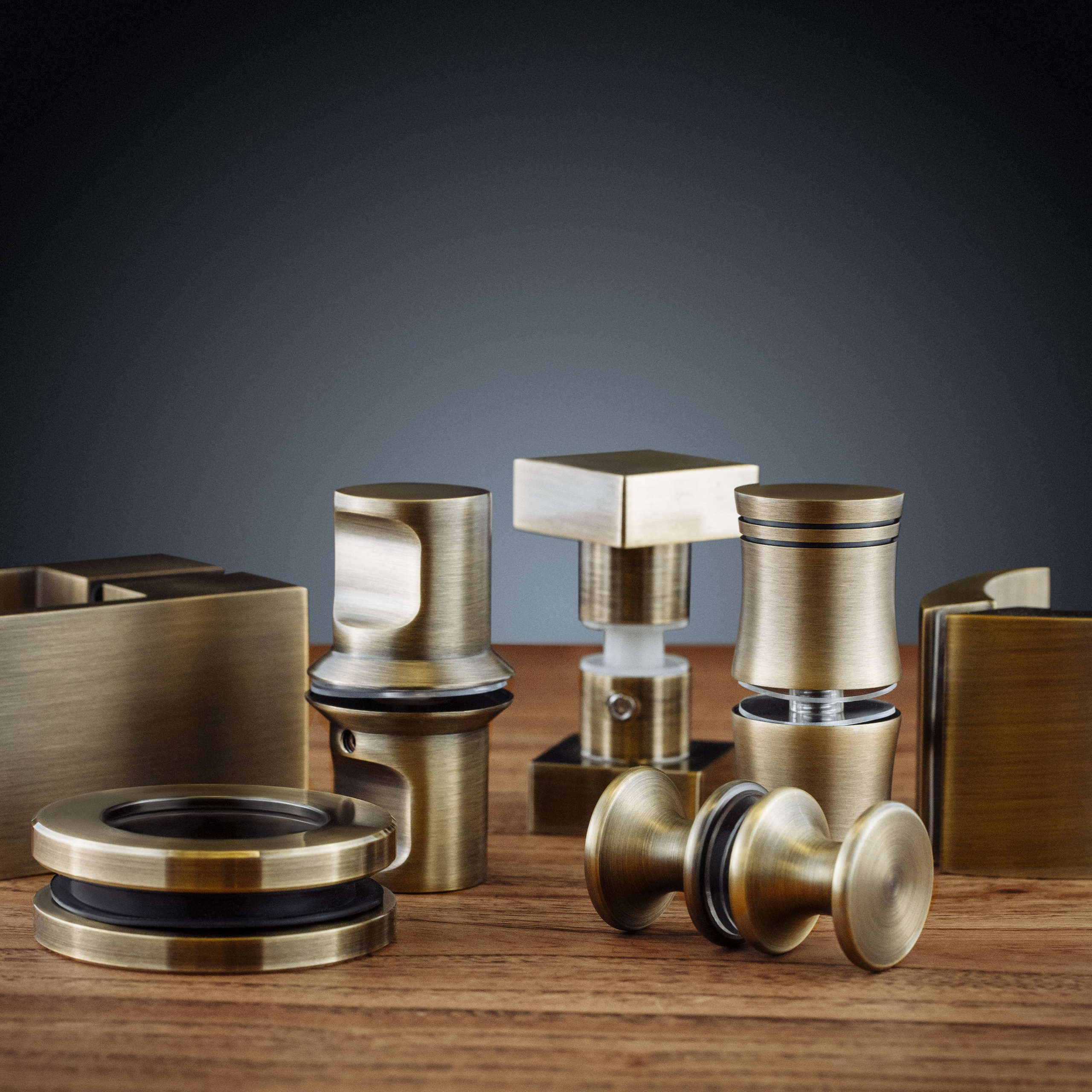
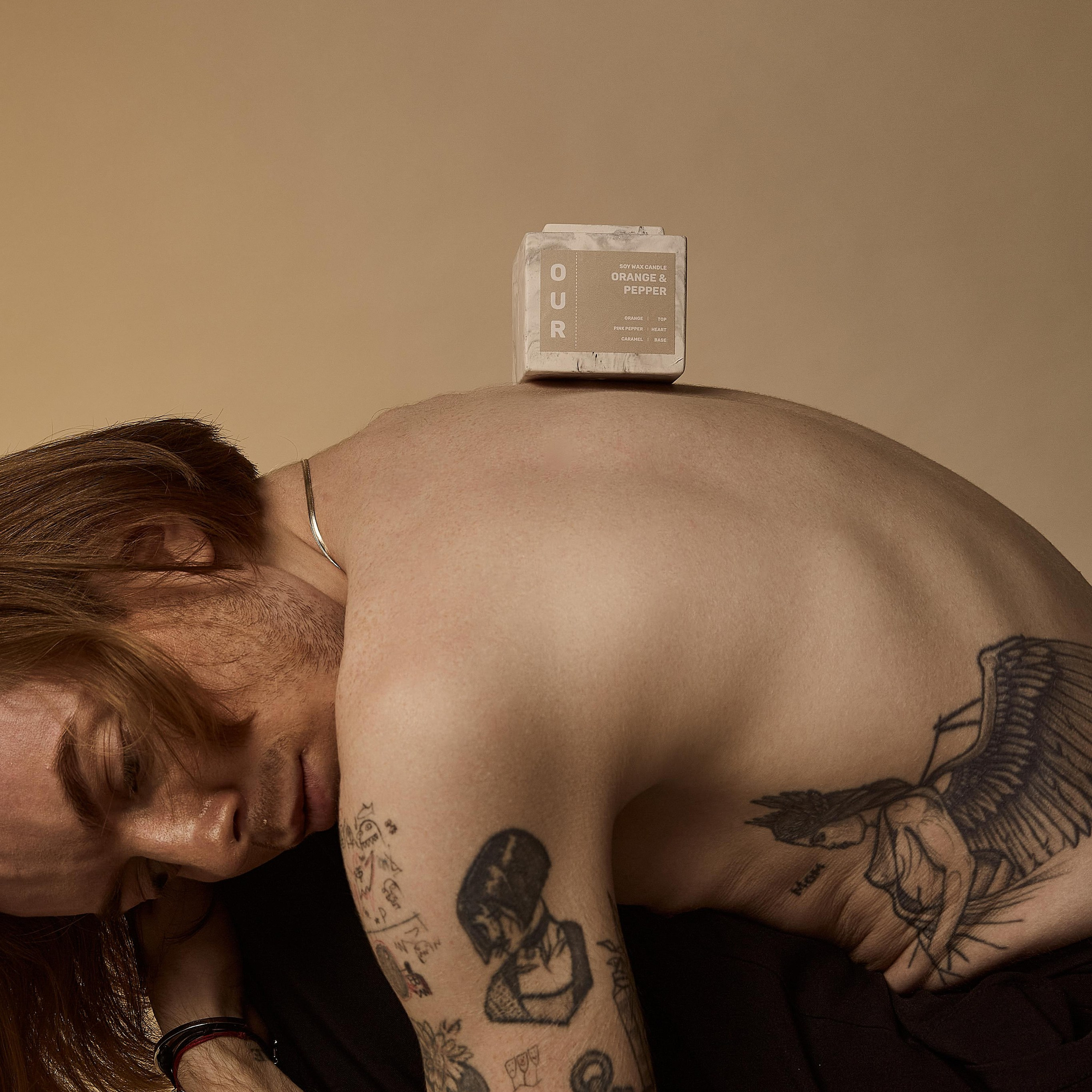
- Product. Wider shots and details, the product in hand, the product in its setting.
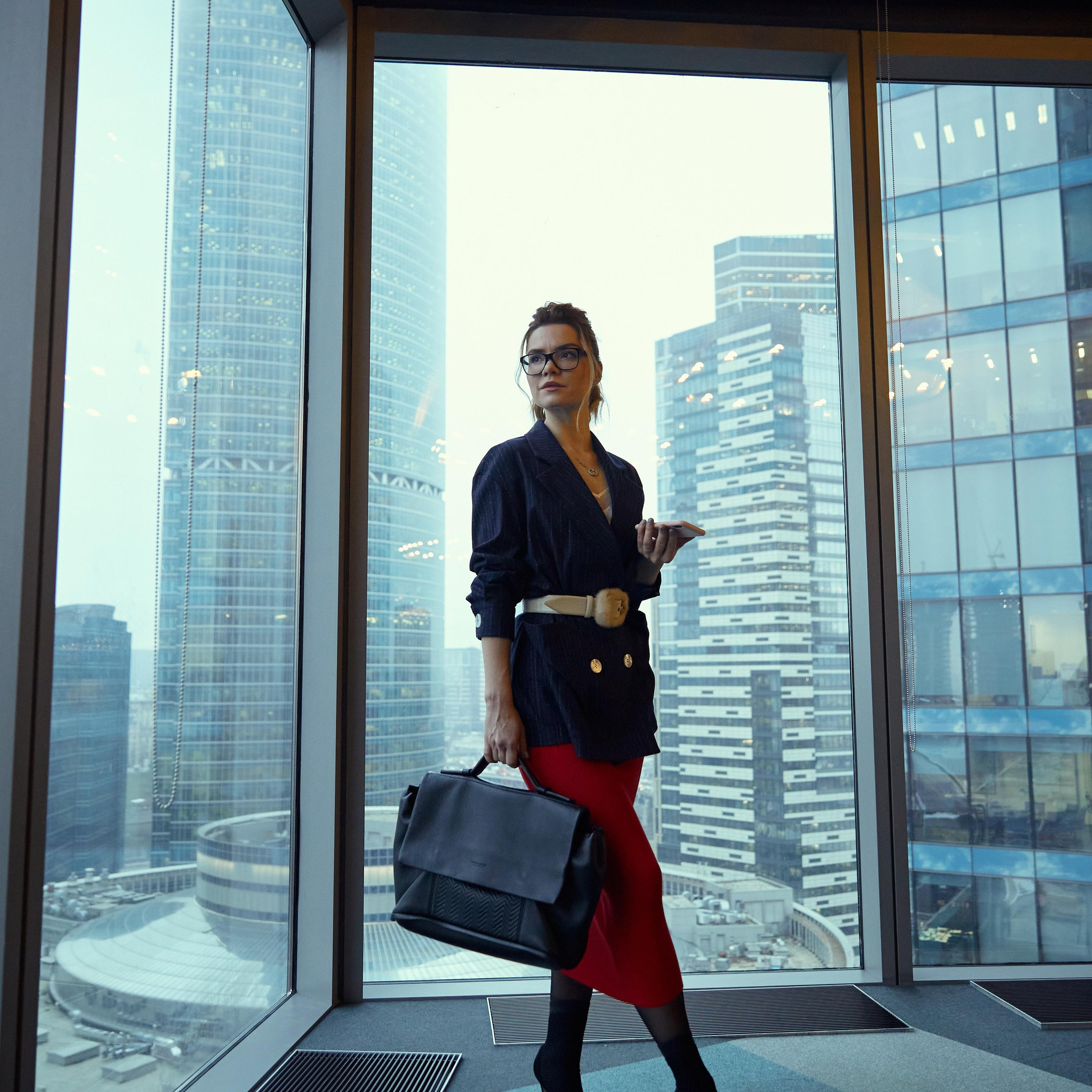
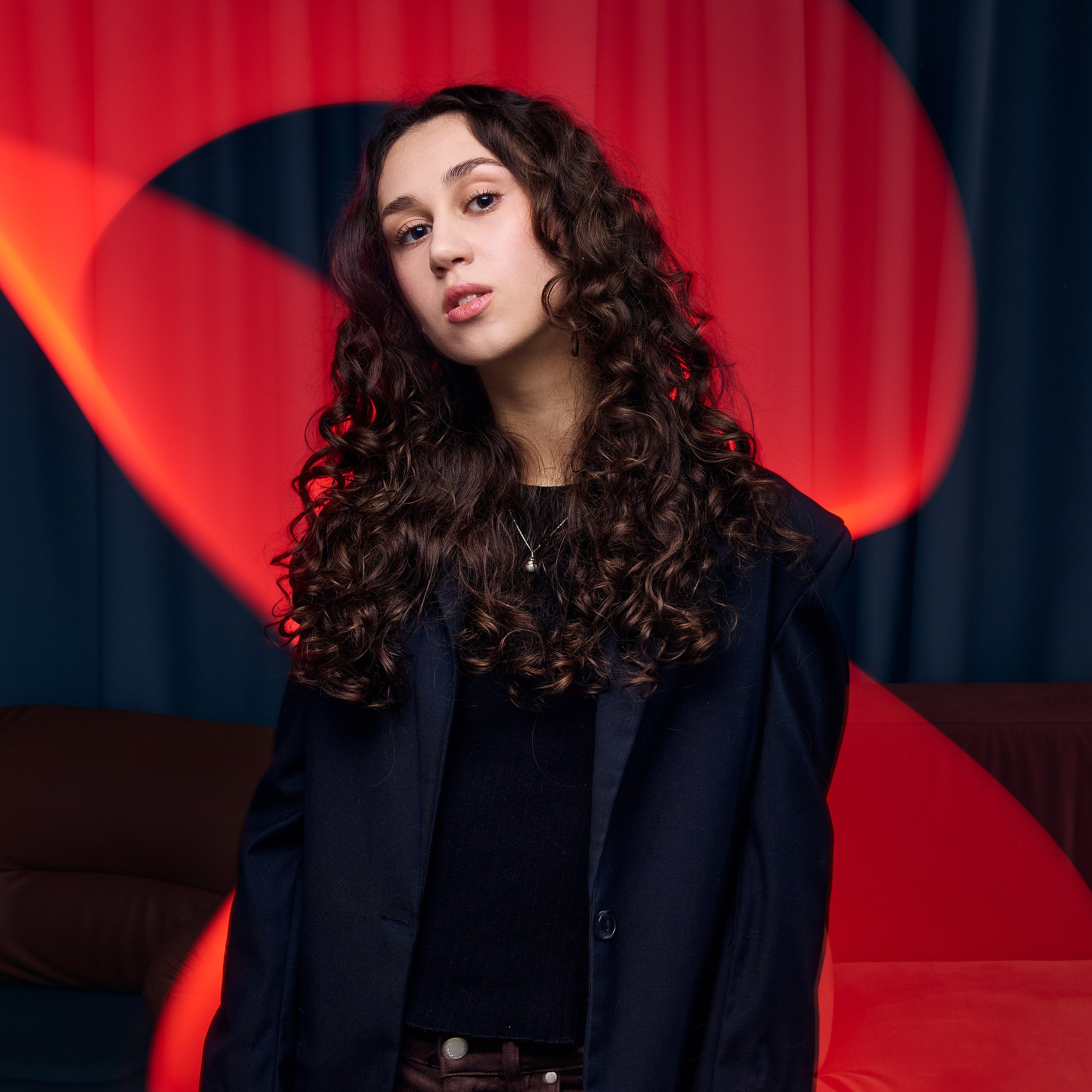
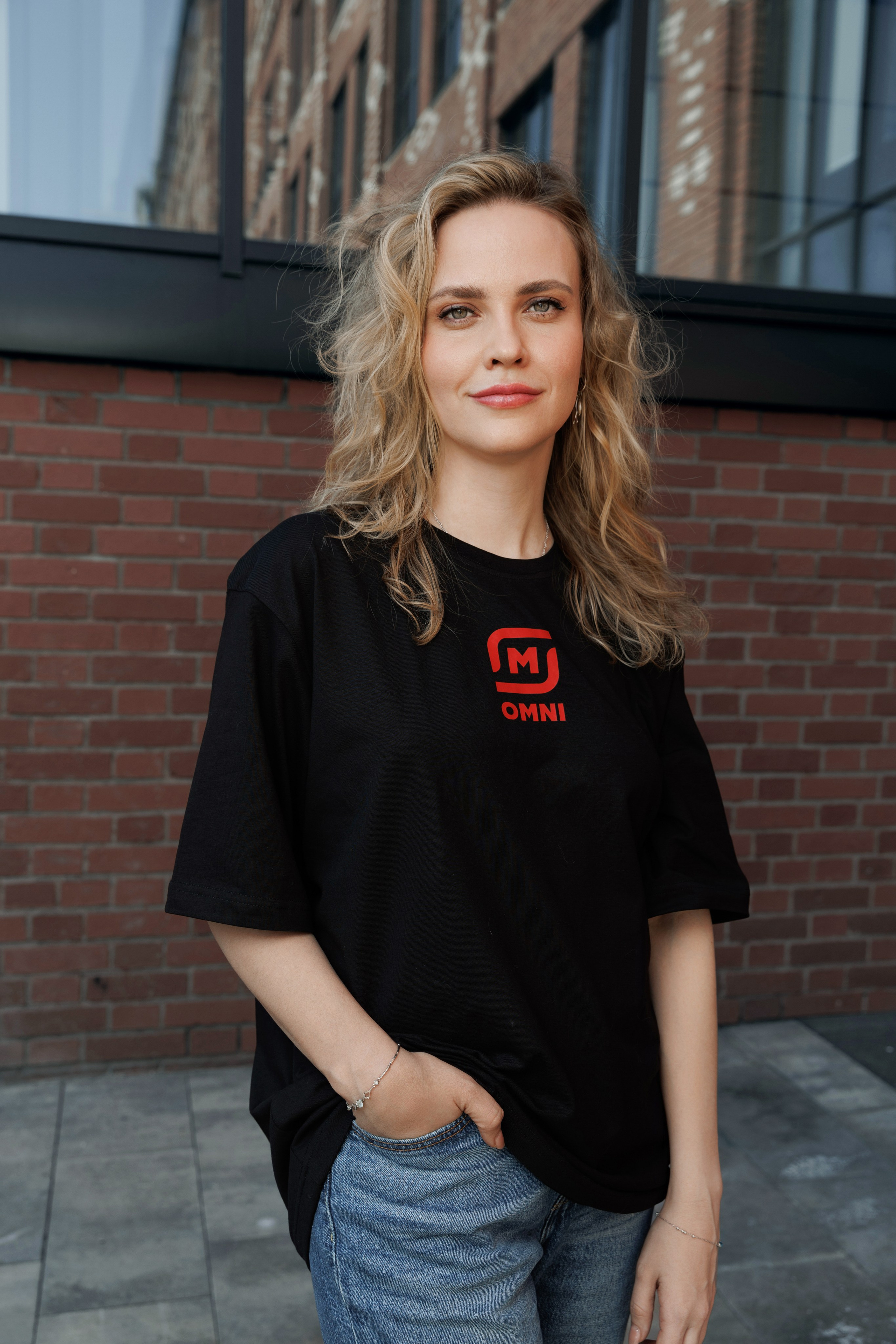
- Portraits. For the website, the blog, the “team” section.
- Details and textures. Materials, tools, branded elements.
- Frames with room for copy. Images with open space where a headline can sit.
If your shot list runs past 30 items, split the shoot across two days — otherwise the day collapses into rushing.
Step 3. Prepare the space, the people and the props
The space. Remove anything that shouldn’t appear in a publication: other brands, drafts on the whiteboard, personal items on desks. Confirm there’s somewhere to change and to leave coats.
The people. Give staff advance notice: who’s involved, what time, what to wear. People who are told at the last minute look stiff on camera, and retouching doesn’t fix that.
The props. The product in sufficient quantity and in presentable condition, clean packaging, set dressing, outfits. Anything missing on the day will be missing from the photos too.
Access. Passes, parking, the hours you can get into the building. In Moscow this is a story of its own with business centres: clearing access can sometimes take longer than the shoot itself.
Step 4. Agree the schedule
A sensible content shooting day looks like this: 30–40 minutes for setup and lighting, then blocks grouped by shot type, with pauses for wardrobe changes and resets. Product and details usually get shot last — by that point people are tired, and objects aren’t.
Step 5. Review against the list
Review against the brief, not against a feeling of “I like it”:
- every item on the shot list is covered;
- crops exist for each platform from Step 1;
- processing is consistent across the whole gallery;
- files are named so you can find them a month later;
- usage rights are documented.
Common mistakes
Shooting without a brief, “on inspiration.” You get a beautiful gallery with nowhere to go.
Ordering portraits only. Content needs fewer portraits than process and detail shots, yet they take up more space.
Saving on time. A two-hour content shoot almost always turns into a race. A proper block of frames takes half a day.
Not planning for reuse. A single frame can be used in different crops and under different captions several times — if it was shot with compositional headroom.
What the client receives
A preview of several frames on the day of the shoot or the next day, so there’s something to publish immediately. The full retouched gallery with crops within the agreed timeframe. The archive is retained, so frames can be requested a year later when you need material for a new publication.
If you’d like to sanity-check your shot list or build one from scratch, write to me with what the company does and which platforms you need to cover. I’ll tell you which frames to add and which you won’t need.
Need photos for your business?
I’ll help you put together a list of the shots you need, choose the right shooting format, and organise a shoot of your staff, office, production or product. If you have a website or a prototype, send me the link — we’ll go through the pages and work out which photos are missing right now.